Features
Everything QRiva does, in one place.
Every feature on this page exists in the app today. Where one needs a particular plan, the plan comparison says so.
QR codes
Codes that look like your brand, scan first time, and can change destination after they're printed.
- More than 60 code types, from websites and Wi-Fi to menus, payments and app downloads
- Static and dynamic codes, with the difference explained where you choose
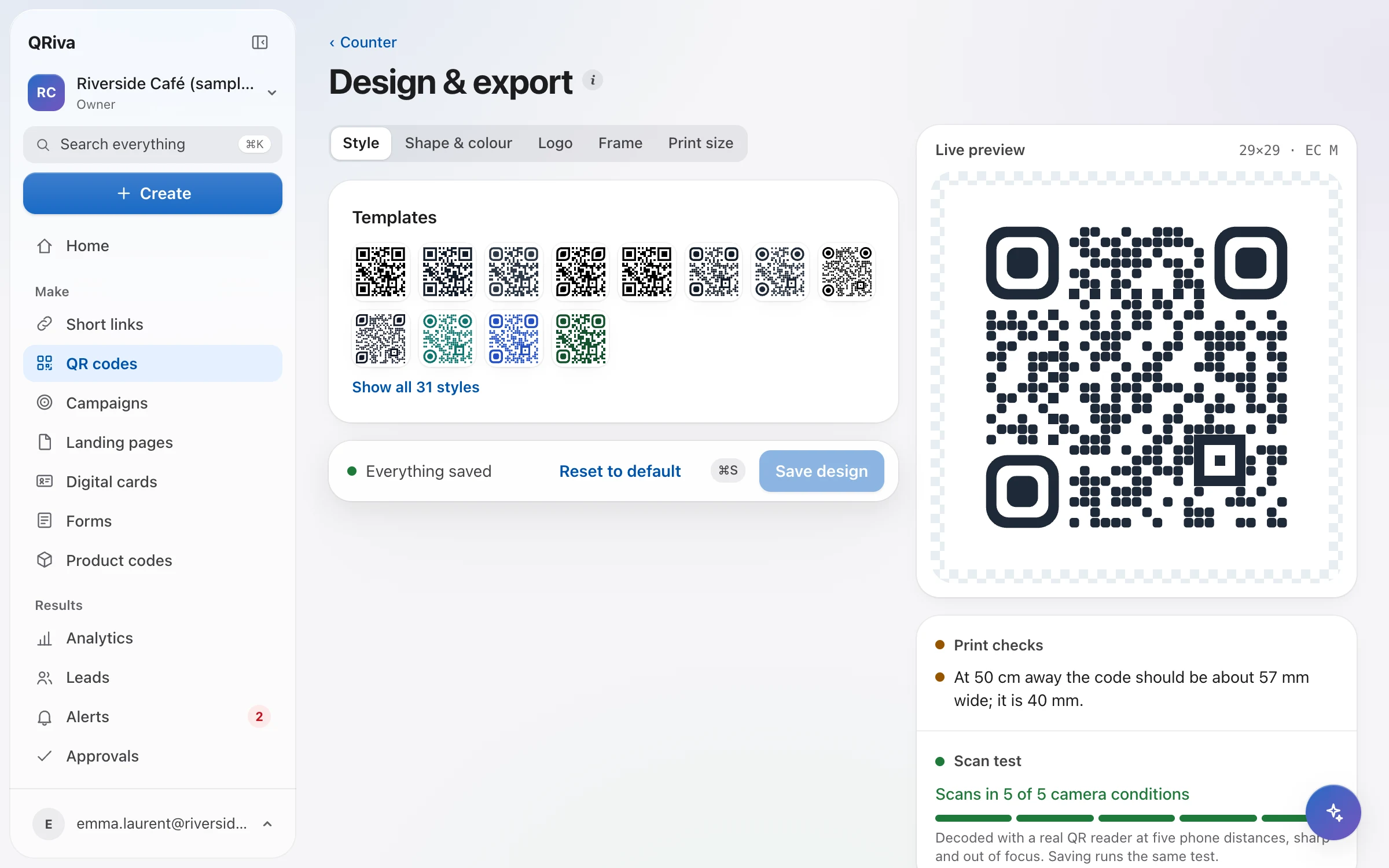
- A design studio with templates, module and eye shapes, colours, logos and frames
- Every design is decoded before you download it, so what you print scans
- PNG and SVG on every plan; print-ready PDF and EPS from Starter
- Printable table tents, stickers and A4 signs, and a size guide for scanning distance
- Several codes on one link, so every poster or placement has its own numbers
- Create, import and edit codes in bulk
Links and routing
Every dynamic code opens a short link you control: where it goes, for whom, and until when.
- Short links with a custom back-half, checked for availability as you type
- Change the destination at any time, with a history you can restore from
- Route by country, device, language or date
- A/B splits that keep each visitor on their variant, with results per variant
- Scan limits, end dates and passwords, each with a fallback
- Pause or archive, with a clear holding page instead of an error
- A campaign-parameter builder with presets, added on the redirect
- A backup destination that takes over if the main one stops answering
- An optional safe preview before visitors leave for an external site
Mobile pages
Fast, accessible pages built from blocks, for the moment someone scans.
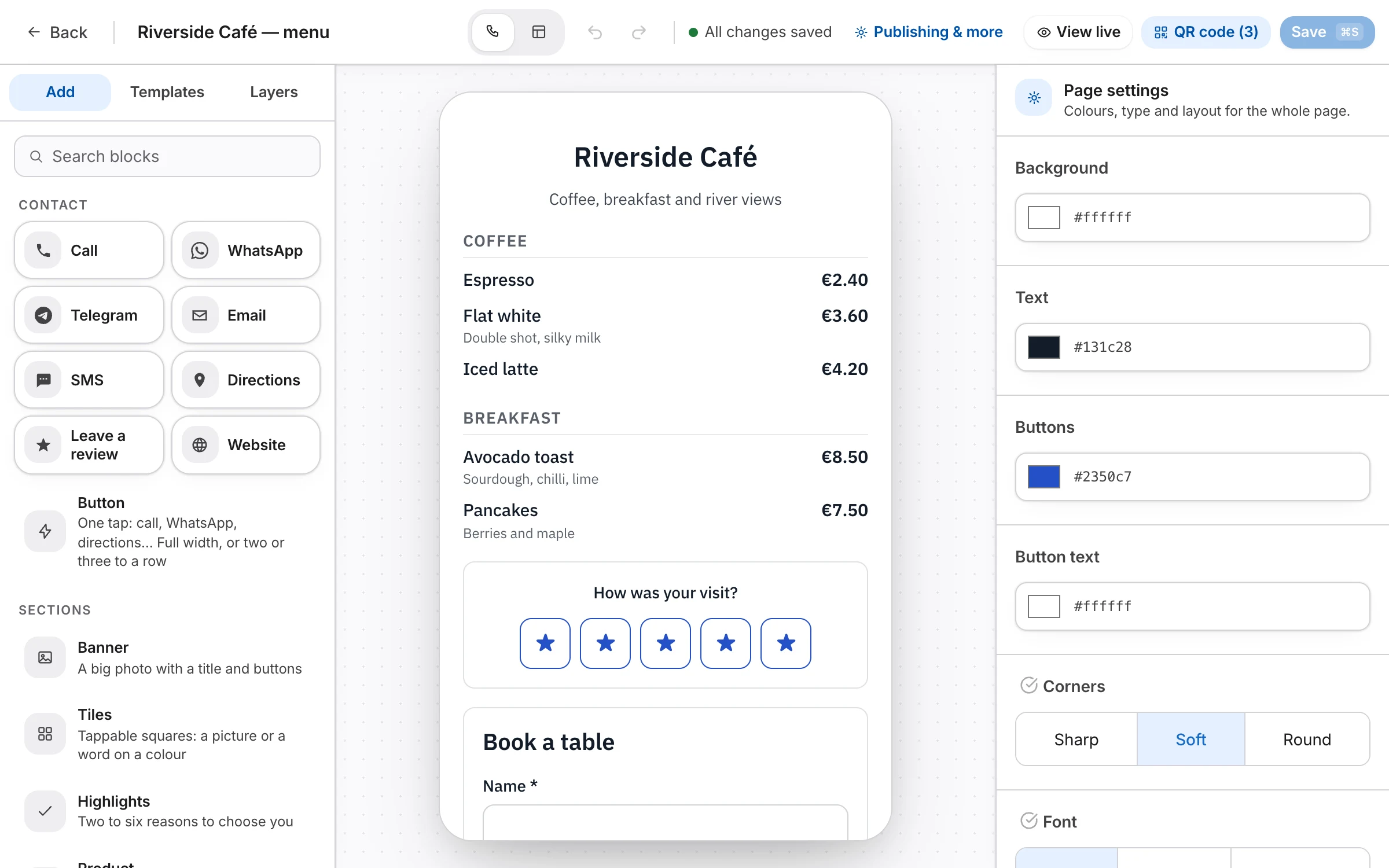
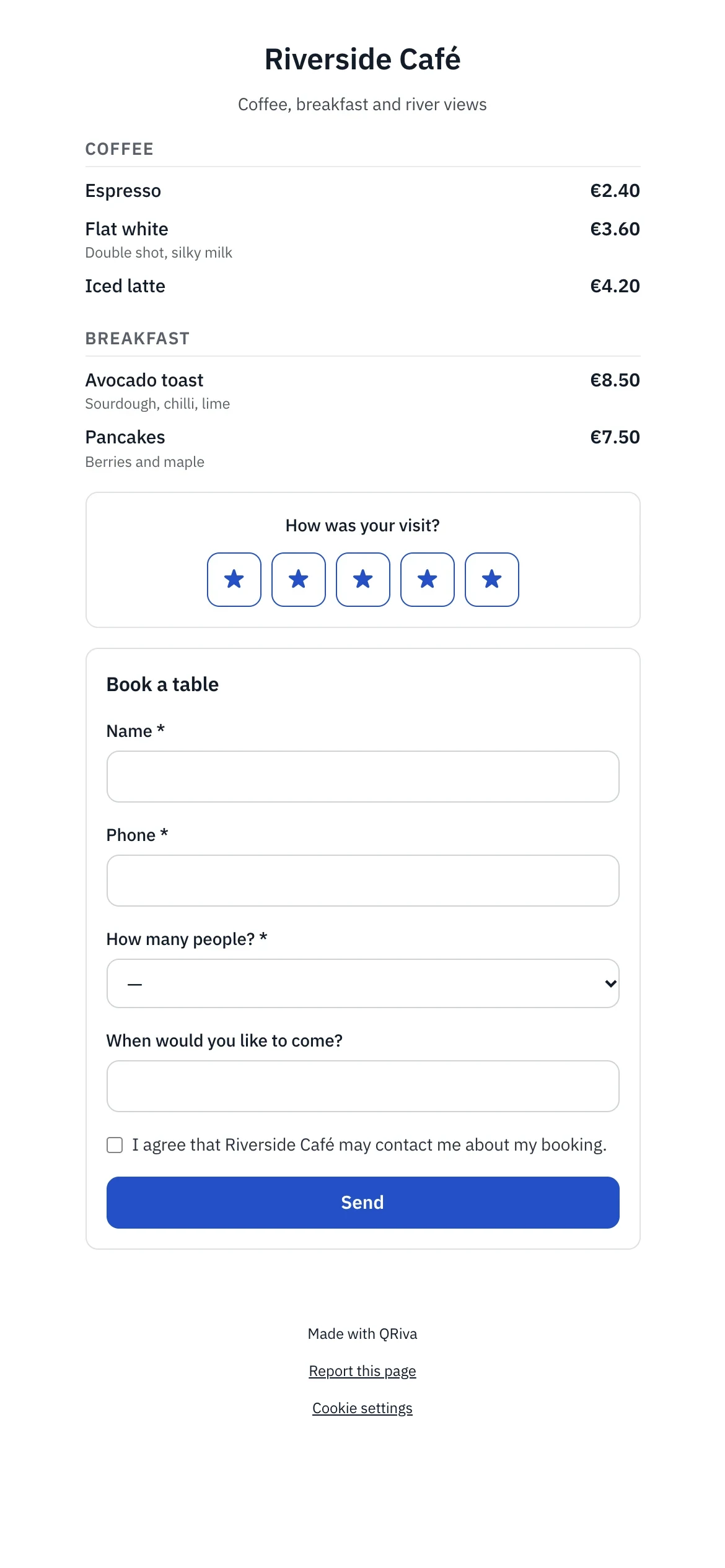
- 15 blocks: header, links, text, image, gallery, video, socials, contact, hours, map, form, coupon, rating, menu and divider
- Templates for menus, events, coupons, feedback and link-in-bio, all editable
- Your business details, linked into contact, hours and map blocks so they update everywhere
- Social previews with a generated image, title and description
- A “Verified owner” badge when you've verified your domain
- Version history, and a 30-day trash you can restore from
- A “Report this page” link on every published page
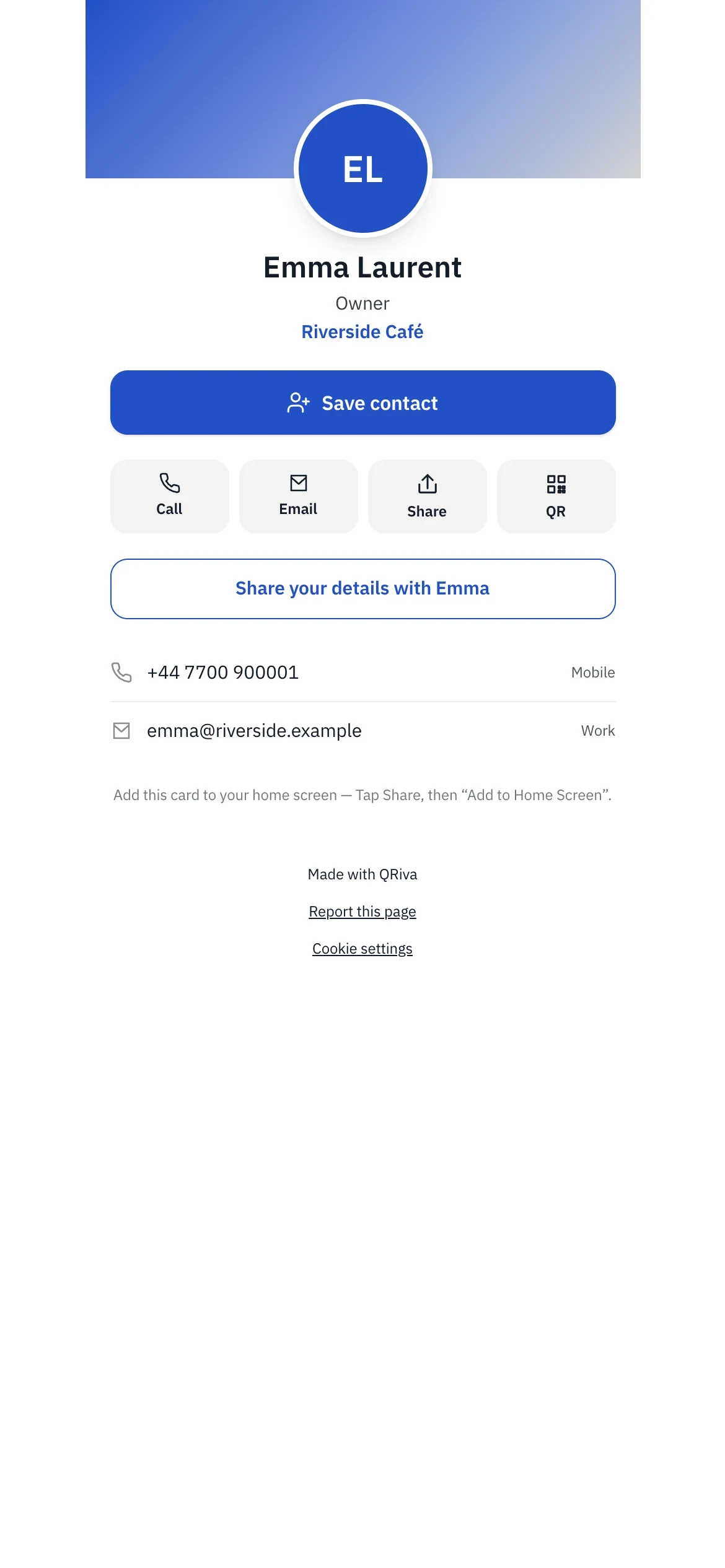
Digital business cards
A card people can save in one tap, and a simple way for them to share their details back.
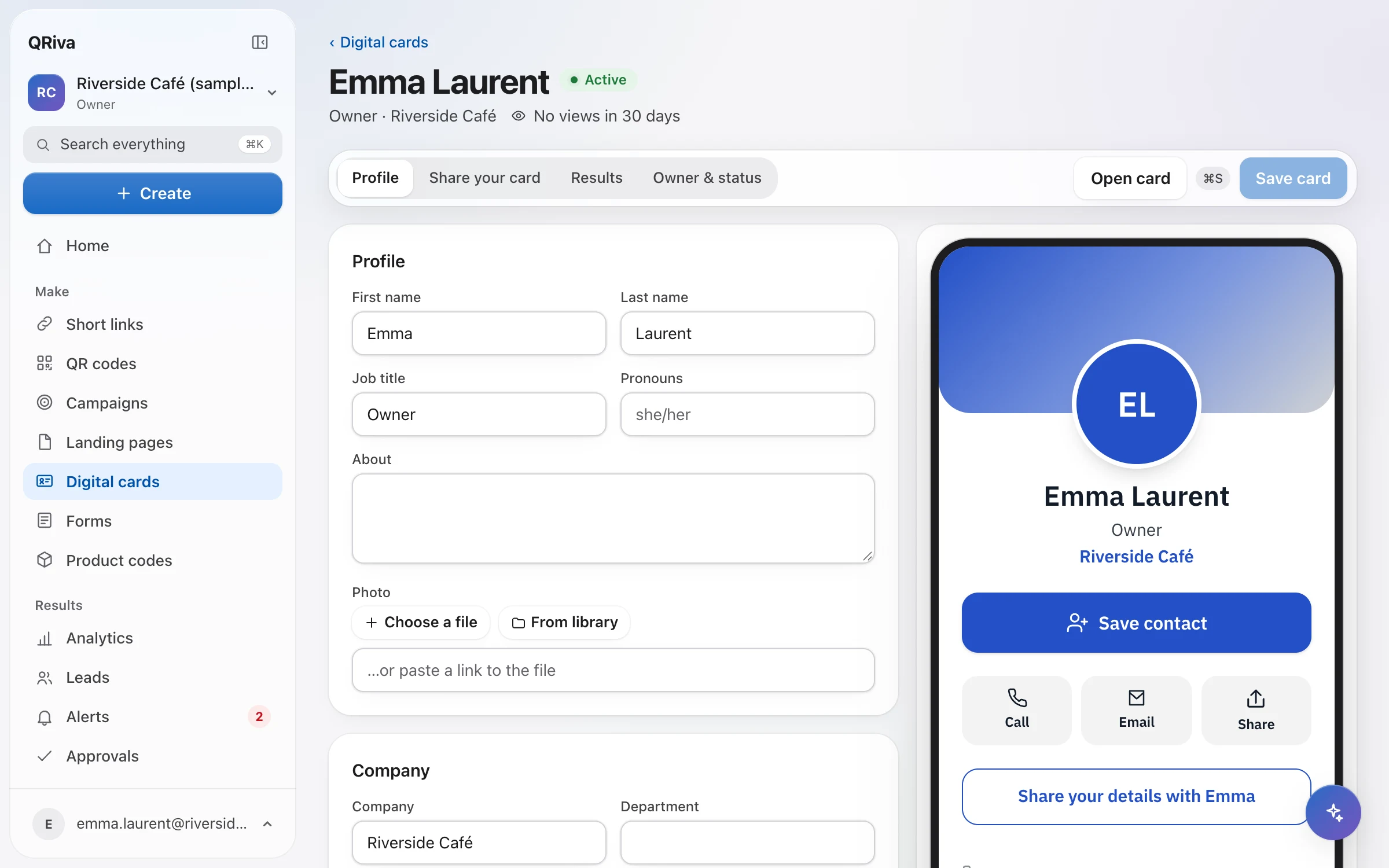
- Photo, cover, logo, pronouns, bio, phones, e-mails, address, socials and custom fields
- “Save contact” downloads a standard vCard contact file
- Share by QR code, link, NFC tag, the share sheet or a full-screen code
- Contact exchange with consent that's never pre-ticked, then next steps like booking a meeting
- An e-mail signature and a video-call background with a scannable code
- Company templates with locked fields, cards in bulk from CSV, and invitations
- When someone leaves, their card forwards to the company page and the printed code keeps working
- Card results: views, contacts saved, details shared, link taps and channels
Forms
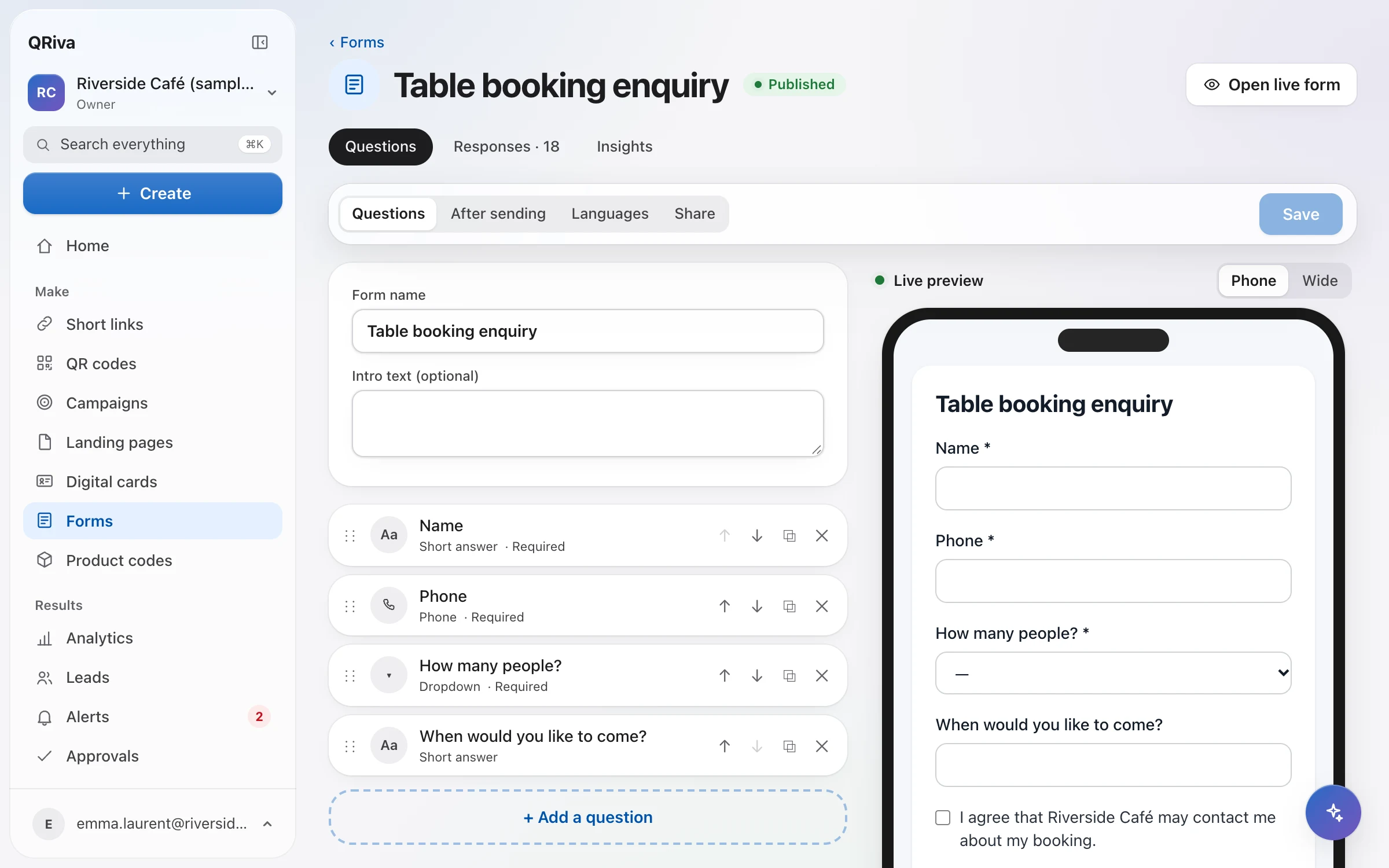
Bookings, enquiries and sign-ups that are easy to fill in on a phone.
- Text, e-mail, phone, number, date, time, choices, long text, links and hidden fields
- Conditional logic, checked again on the server
- Multiple steps with progress, and calculated fields
- File uploads stored privately, signatures and booking slots with capacity
- Payments in forms, processed by Stripe
- Translations that open in the visitor's language
- The exact consent wording and its version saved with each response
- Spam protection and duplicate detection
- Share a link or embed it on your site, where it resizes itself
Leads and CRM-lite
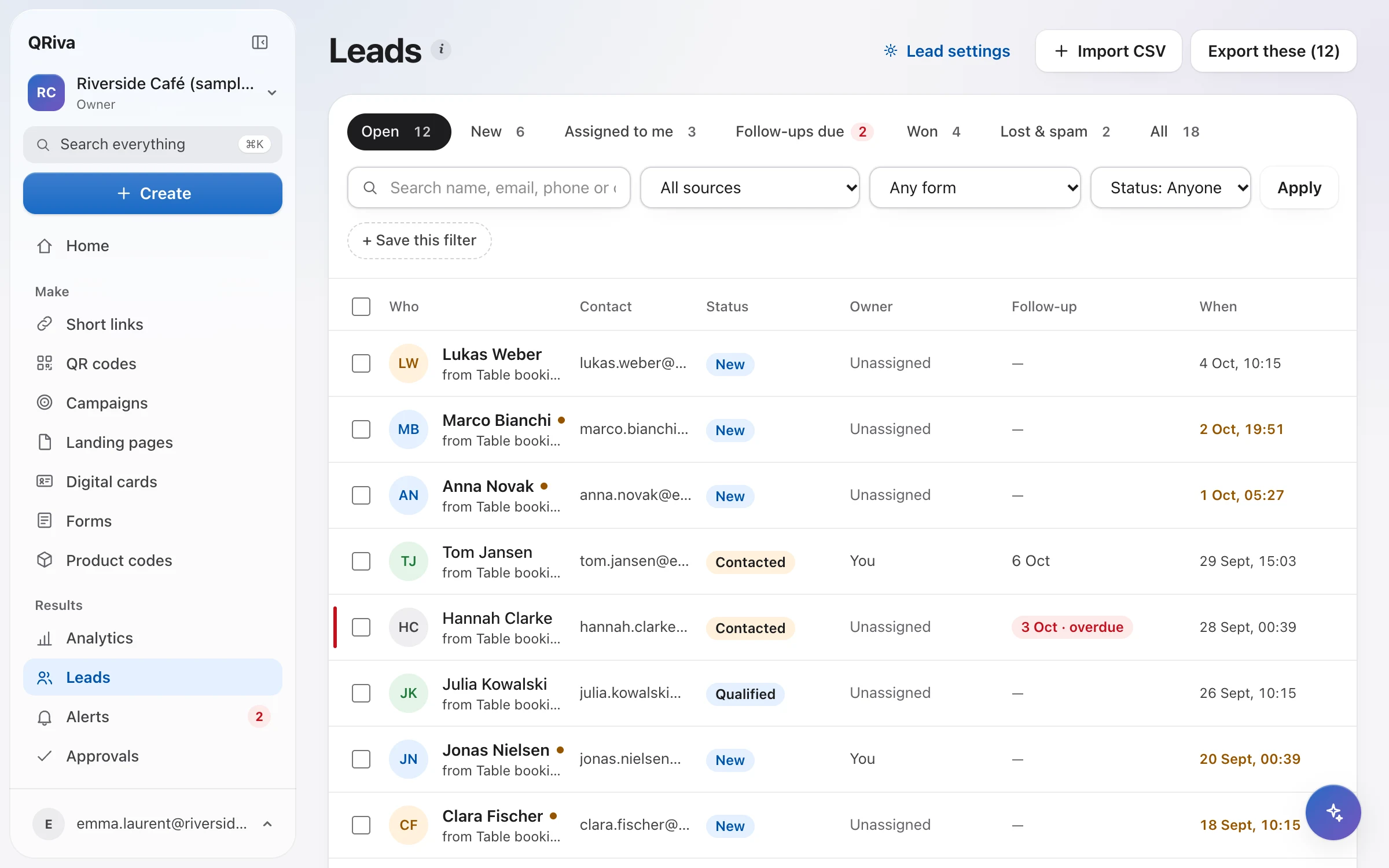
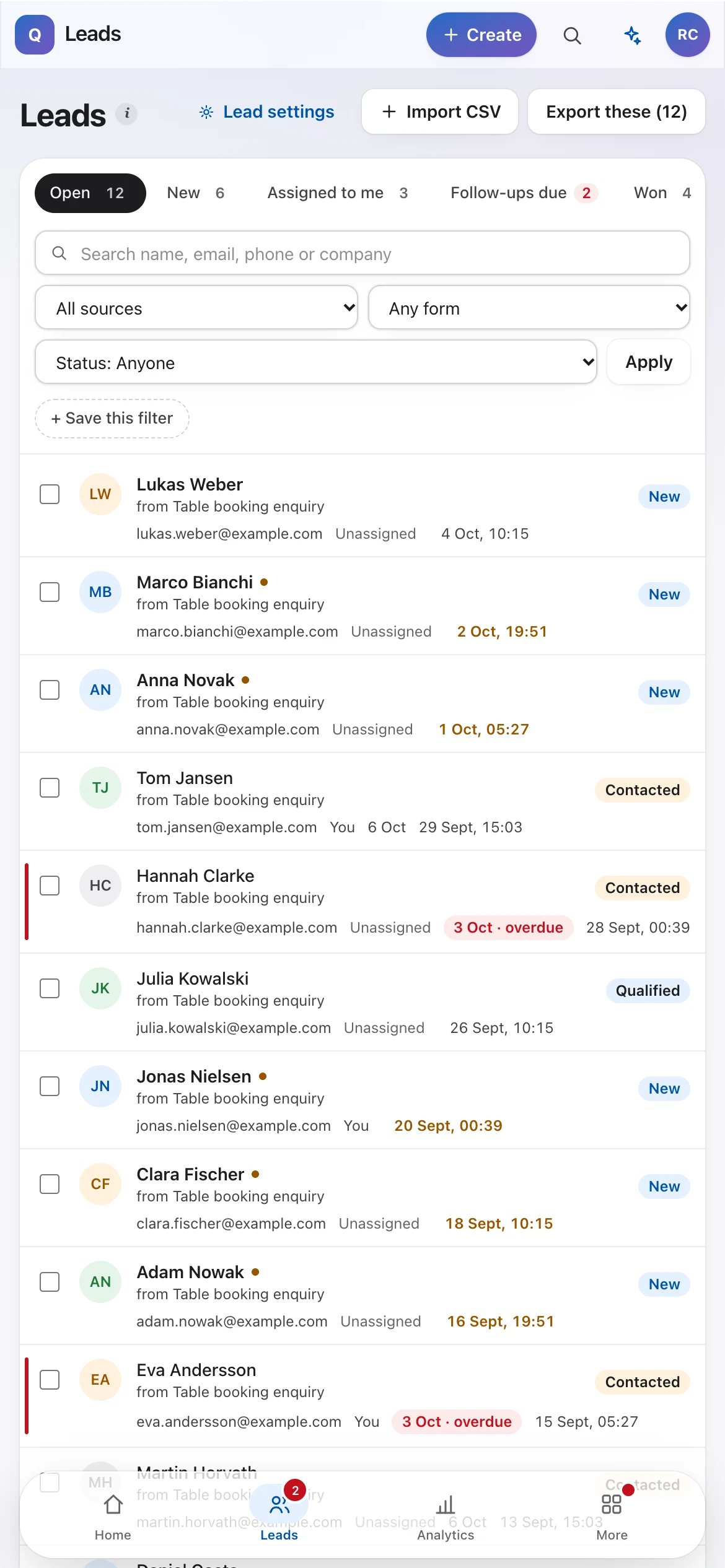
Everyone who gets in touch, in one inbox, with a clear next step.
- One inbox for forms, cards and pages
- Status, owner, tags, notes and follow-up dates
- Duplicate detection and merging, with nothing lost
- Where each lead came from, and their earlier anonymous visits
- CSV import with column mapping and preview, and exports that follow your filters
- A consent record for every lead: wording, version, time and place
- Optionally, members see only the leads assigned to them
- Saved filters, bulk actions and a private calendar feed of follow-ups
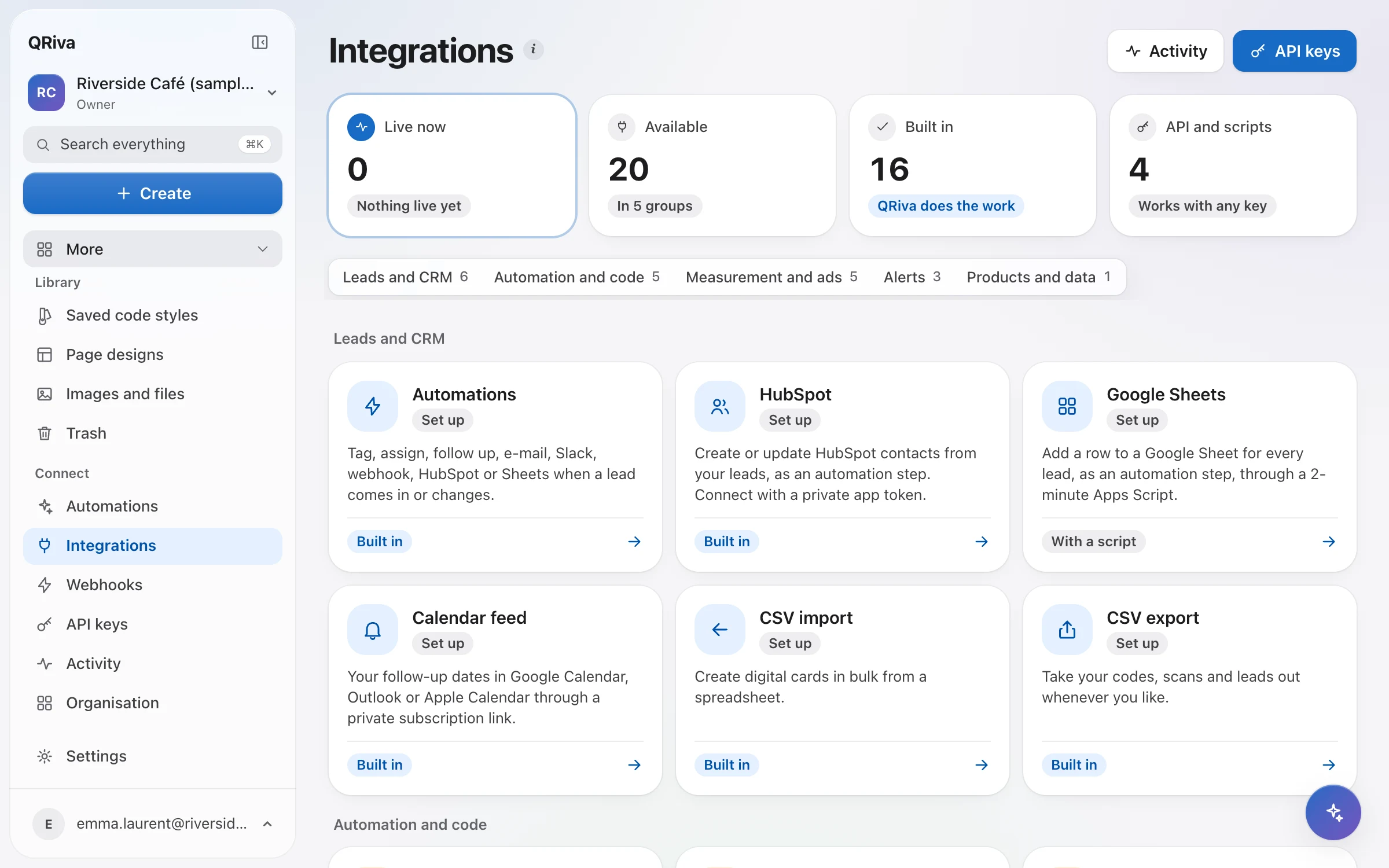
Automations and integrations
The routine after someone gets in touch, done for you — and visible when you want to check.
- Triggers, conditions and steps: tag, set status, assign in turn, follow up, note, e-mail, Slack, webhook, HubSpot and Google Sheets
- Ready-made recipes, and a dry run to test before switching on
- Run history showing what each step saw and did, with retry
- No duplicate actions when a step is retried
- Signed webhooks, retried automatically, with a delivery log and replay
- A REST API with keys limited to what they need, and an OpenAPI reference
- HubSpot, Google Sheets, a calendar feed, Slack, and Zapier or Make through the API
Analytics
Honest numbers about what people did, and which placement made it happen.
- Scans, link opens, page views, form steps, taps, responses and contacts saved
- Funnels from scan to page to lead
- Campaign and placement comparison, code by code
- Bots, link previews and your team's test scans left out, and shown separately
- Custom date ranges in your time zone, with a fair comparison to the previous period
- Conversions reported by your own site, kept per currency
- PDF reports, CSV exports and scheduled reports
- A clear definition behind every number
- Retention settings and a strict privacy mode

Brand and teams
Everything you publish looks like you, and everyone on the team can do exactly what they should.
- Brand kits with logo, colours, QR style and page theme, checked for contrast and scanning
- Save a kit and everything that uses it updates
- A shared media library
- Owner, admin, editor and viewer roles, enforced on the server
- Approval before an editor's changes go live
- Stars, folders, tags, search and sorting on every list
- Ownership transfer, and member removal that hands their work over
- A full workspace export whenever you want it
For agencies
Run every client separately, reuse your best work, and hand over cleanly.
- Organisations with a separate workspace for each client
- A shared template library that never copies client details
- White label on public pages and client reports
- Read-only report links with a period, an expiry and a view count
- A client role that sees everything and approves, but changes nothing else
- A handover link with a checklist that makes the client the owner
- An ownership panel showing who owns domains, leads, files and keys
Security and privacy
Designed with GDPR's data-minimisation principle in mind, for you and for everyone who scans.
- No IP addresses stored for people who scan or visit; returning visitors recognised with a monthly-changing hash
- Data stored in the EU, in Frankfurt
- Destinations screened when created, edited and on a schedule
- “Report this page” on every public page, reviewed by our team
- Sign in with an e-mail link or a passkey, and sign out other devices
- Each workspace isolated in the database, with automated tests that try to break in
- Uploads checked by content, and location data removed from photos
- Retention periods you choose, with automatic deletion
- Rate limits on public forms, sign-in links and the API
- A public status page
Product passports
A page for every product, batch or item, behind a code built on the GS1 Digital Link standard.
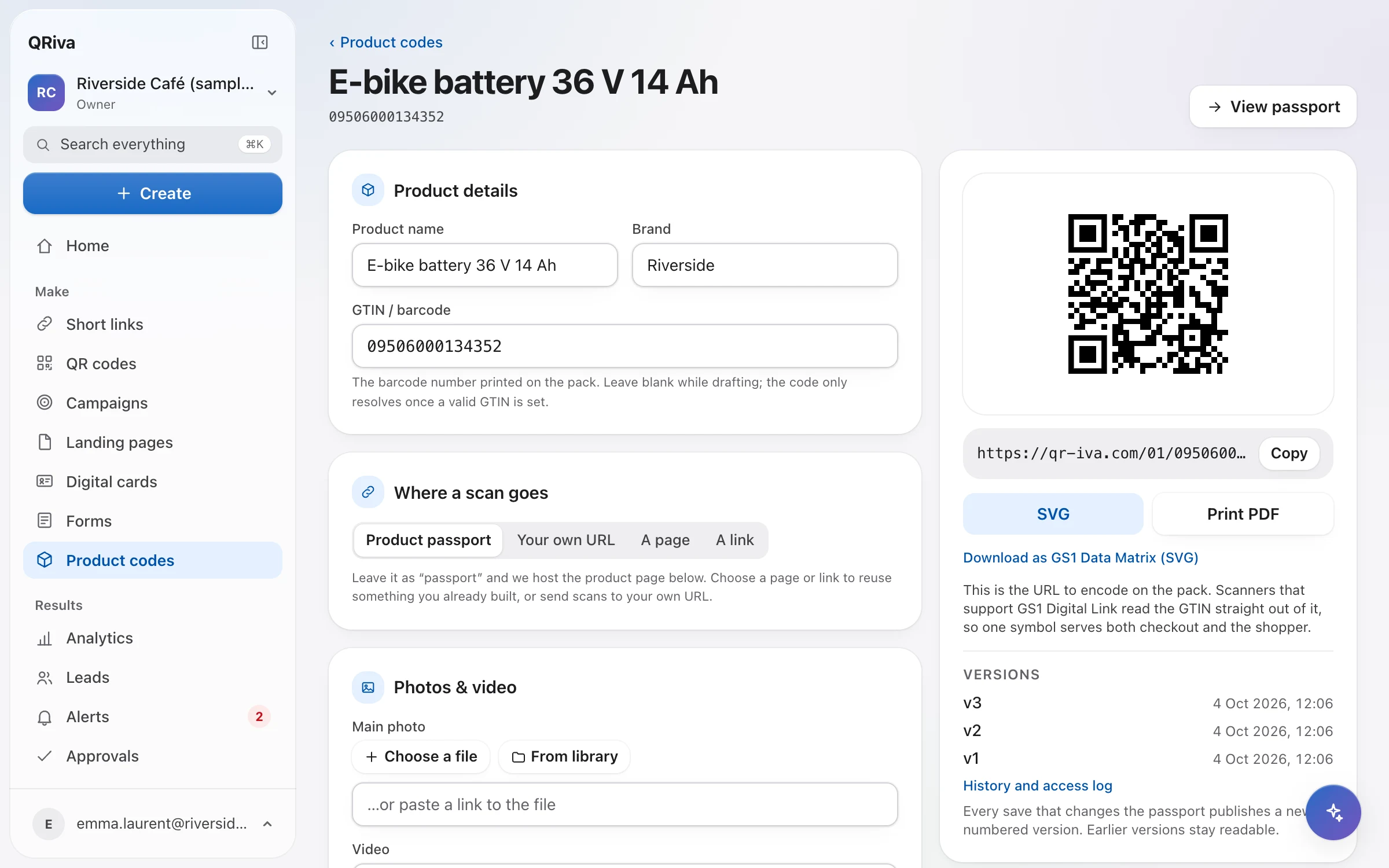
- Codes built on the GS1 Digital Link standard, carrying your product's GTIN
- GTINs checked with the GS1 check digit, so typos are caught
- Pages per product, per batch or per serial number — the most specific match wins
- Point one batch to a recall or safety notice while every other batch keeps its normal page
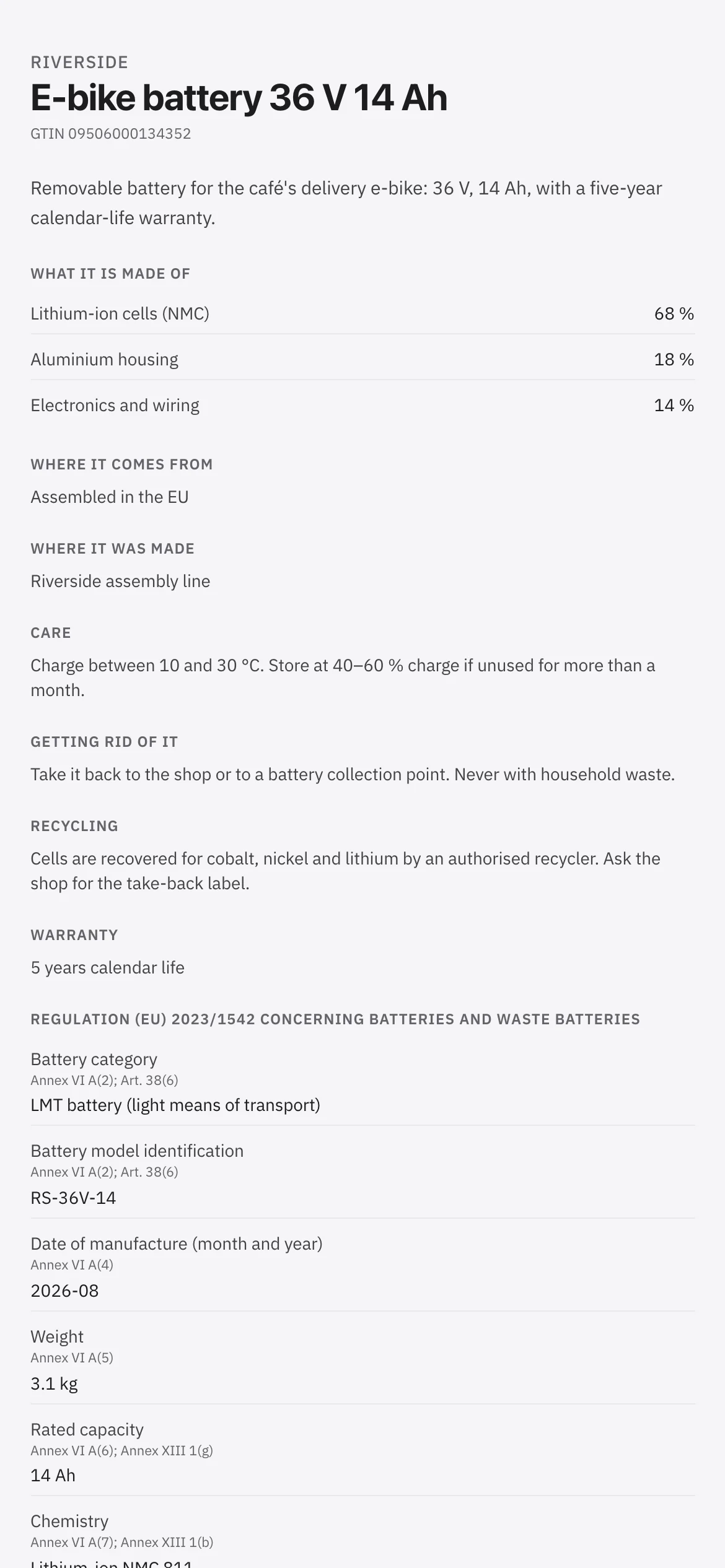
- Materials with shares, origin, care, recycling, warranty, documents and your own details
- Photos, a gallery and video
- Send scans to the hosted passport, a page, a link or your own site
- Import products from a spreadsheet, or manage them through the API
- Print-ready code files, and product scans in your analytics
Some features depend on your plan. Compare plans
Make your first code in two minutes.
Start on the Free plan. No card, no trial clock — upgrade only when you need more.