QR codes
QR codes that keep working after they're printed.
Design a code that looks like your brand, check that it scans, print it — and change where it goes whenever you need to. Every destination is screened, and every scan is counted honestly.
Why it works
What makes it different
Edit without reprinting
Menus change and campaigns end. Point the same printed code somewhere new in seconds, with a history you can restore from.
Scans first time
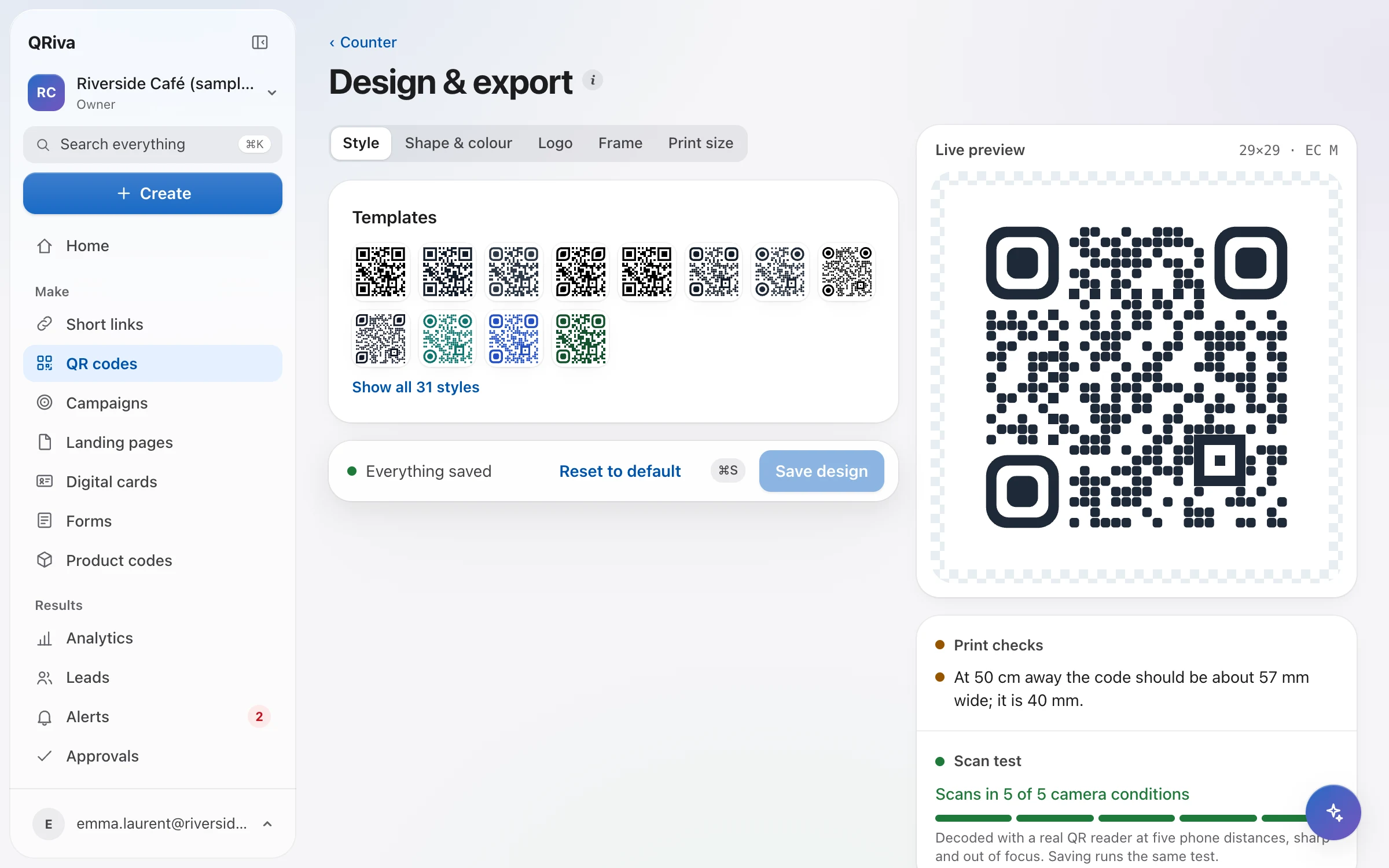
Every design is decoded before you download it, and the size guide tells you how big to print for the scanning distance.
Never held hostage
Codes within your plan keep resolving, Free included. If a paid plan ends, you get reminders, 72 extra hours and 45 days to renew. There are never ads on your scans.
QR codes
Everything that's included
Every item below works in the app today.
QR codes
Codes that look like your brand, scan first time, and can change destination after they're printed.
- More than 60 code types, from websites and Wi-Fi to menus, payments and app downloads
- Static and dynamic codes, with the difference explained where you choose
- A design studio with templates, module and eye shapes, colours, logos and frames
- Every design is decoded before you download it, so what you print scans
- PNG and SVG on every plan; print-ready PDF and EPS from Starter
- Printable table tents, stickers and A4 signs, and a size guide for scanning distance
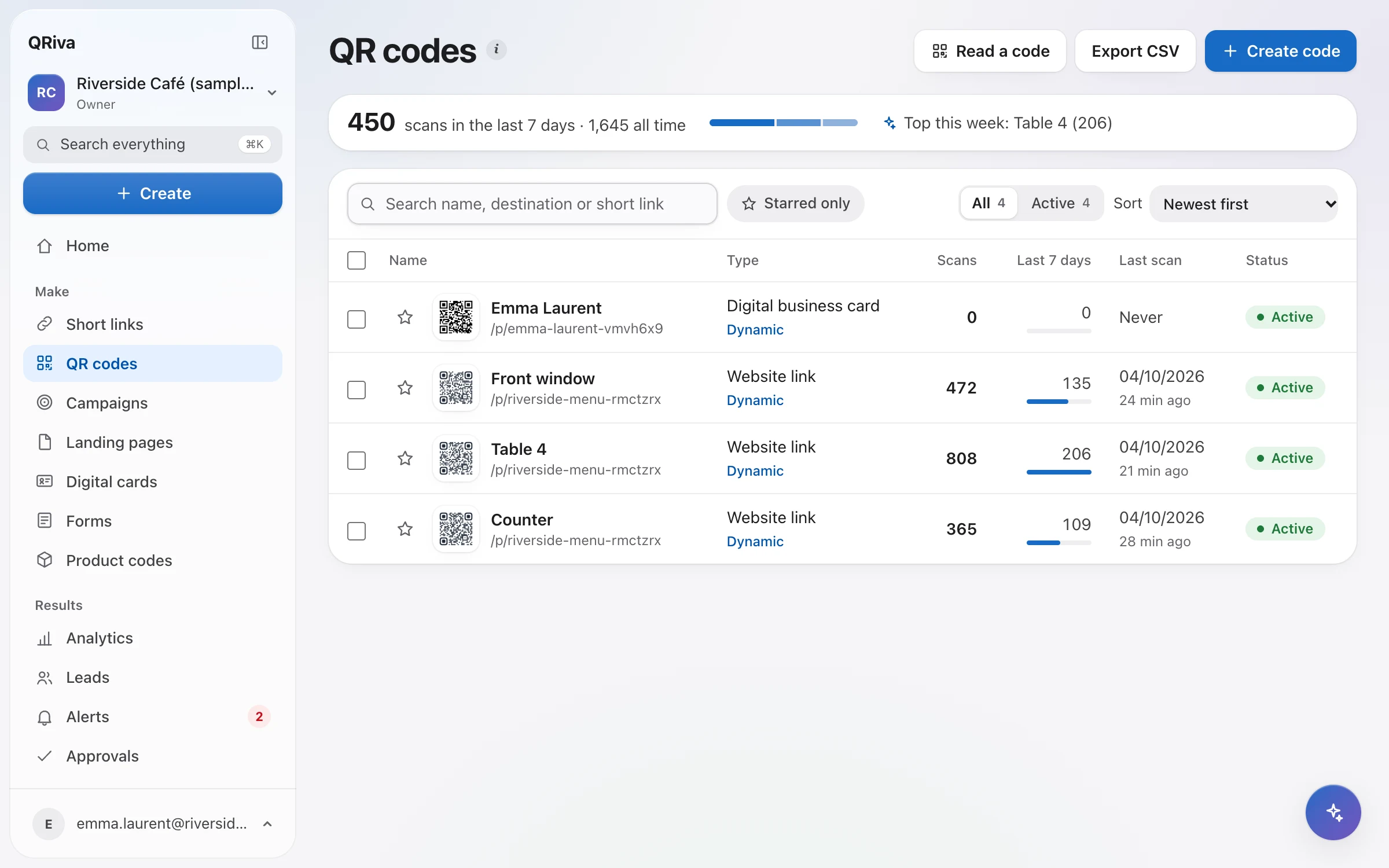
- Several codes on one link, so every poster or placement has its own numbers
- Create, import and edit codes in bulk
Links and routing
Every dynamic code opens a short link you control: where it goes, for whom, and until when.
- Short links with a custom back-half, checked for availability as you type
- Change the destination at any time, with a history you can restore from
- Route by country, device, language or date
- A/B splits that keep each visitor on their variant, with results per variant
- Scan limits, end dates and passwords, each with a fallback
- Pause or archive, with a clear holding page instead of an error
- A campaign-parameter builder with presets, added on the redirect
- A backup destination that takes over if the main one stops answering
- An optional safe preview before visitors leave for an external site
See it in the app
QR codes
Where it works well
Typical ways to use it. Illustrations of a kind of business, not customer stories.
- Example
Tables, windows and counters
One code per spot, so you can see which one people actually scan.
- Example
Packaging and print
Print-ready PDF and EPS files for your designer, checked for readability.
- Example
Campaigns
Several codes on one link — one per poster, flyer or billboard — compared side by side.
Pricing
What each plan includes
Straight from the plan comparison, which is exactly what the app enforces.
| Included | Free | Starter | Pro | Company | Enterprise |
|---|---|---|---|---|---|
| Dynamic QR codes | 3 | 25 | 150 | 600 | Unlimited |
| Rows per bulk import | Not included | Not included | 100 | 2,500 | 50,000 |
| Logo QR: the code drawn through your own pictureUpload a logo or photo and the code is drawn in its colours. Every design is checked with a real decode before it saves. | Not included | Included | Included | Included | Included |
| Print-ready PDF and EPS filesPNG and SVG downloads are on every plan. | Not included | Included | Included | Included | Included |
| Smart routing and A/B splitsRoute by country, device, language and time, split traffic and set scan limits. Passwords and expiry dates are on every plan. | Not included | Not included | Included | Included | Included |
| CSV exportsCodes, links, leads and form responses. | Not included | Included | Included | Included | Included |
Questions
Frequently asked questions
What's the difference between a static and a dynamic code?
Can I change where a printed code goes?
How big should I print my code?
What happens if a destination becomes unsafe?
Try it free today.
Start on the Free plan — no card needed. Upgrade when you need more.